
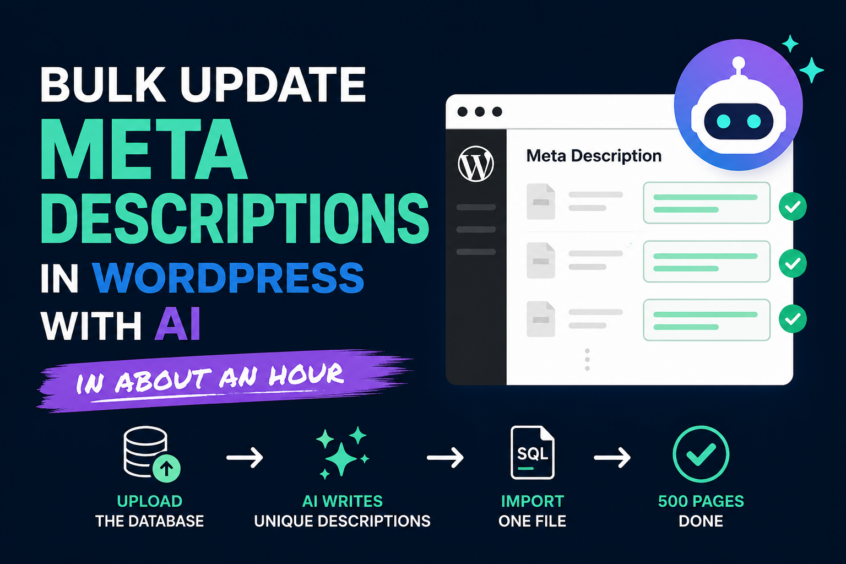
This is a techie post for my fellow SEOs and content creators out there. If you don’t touch WordPress databases, feel free to skip this one — but if you’ve ever stared down a site with hundreds of empty meta description fields, this will save you a week.
A client came to me with a WordPress site: 500 published pages, and not a single meta description on any of them.
How does that even happen?
Easier than you’d think. Content gets published fast, plugins change, someone assumes someone else is handling it. Years go by. And the whole time, Google is writing their search snippets for them — pulling whatever sentence the algorithm feels like from each page.
The meta description is what people see in the search results. It’s your one line of ad copy on the most valuable page on the internet. Leaving it blank is handing your pitch to an algorithm.
The quote this client had gotten to fix it manually was a week of someone’s time. Open a page, write a description, save, repeat — 500 times.
I did it in about an hour. Here’s the exact play.
The Mistake: Sending AI to Crawl the Website
The obvious approach is to give an AI tool the site URL and say “go read every page and write descriptions.”
I tried the crawling route first, and I’ll save you the trouble: it’s the slow way, and it’s the unreliable way.
Crawling a live website means fighting caching plugins, pagination, and whatever else sits between the AI and the content. Pages get missed. Stale cached versions get read instead of current ones. And at the end, you still have a wall of text you have to paste into WordPress one page at a time.
The crawl wasn’t the shortcut. It was the detour.
The Real Secret: Upload the Database
Here’s the move that changes everything: skip the website and hand the AI the WordPress database.
Export it from phpMyAdmin and upload the file to Claude. Now the AI isn’t peeking at the site through a browser window. It’s holding the whole thing. Every published page, the complete content of each one, the exact page IDs, the exact table names.
Nothing gets missed. Nothing gets guessed. All 500 pages were enumerated in seconds, in order, with their publish dates.
Is it safe to share a client’s database export? Treat it the way you’d treat any client asset handed to a contractor: get permission, handle it carefully, delete it when you’re done. But for the job of reading the site’s own content, nothing sees the data that you didn’t hand it directly.
Give Instructions Like You’d Brief a Copywriter
The quality of the descriptions comes down to the quality of the brief. Vague in, vague out. Here’s roughly what I gave it:
Write a unique meta description for every published page.
- Under 155 characters, so nothing gets cut off in the search results
- Primary keyword at the front
- Written to earn the click — this is what people see in the search results, so give them a reason to choose this result over the others
- No generic summaries; every description should make a specific promise the page keeps
- Any number or claim must come from the actual page content — verify it
That last line matters more than people think. When a page is built on a specific claim, the description should carry that exact claim — because the AI checked the content instead of inventing a rounder number.
Then I reviewed every description before anything touched the site. That review is your job, and it’s the step you never skip. On a 500-page site it was most of my hour. The AI writes fast; you still decide what represents the client.
The Step That Saves the Week: Import, Don’t Paste
Here’s where most people leave the time savings on the table. They get their list of descriptions and then… paste them into WordPress. Five hundred round trips through the editor.
Don’t do that. Ask for an import file instead.
Because the AI had the actual database, it knew exactly which tables to write and produced one SQL file that updates every page at once. Run it through phpMyAdmin’s Import tab. One upload. Done.
And do this the smart way: test on one page first. I had it generate a separate file that updated a single page, ran that, verified the description showed up correctly, and only then imported the other 499. AI writing your SQL doesn’t mean you skip the discipline. Test one, verify, then run the batch.
A Bonus I Didn’t Ask For
While the AI was reading through the database, it flagged something I hadn’t asked about: a dating error in one of the articles — a year reference that had sailed past everyone who’d ever read the page. The fix went into the same import file.
That’s the quiet advantage of giving the AI the full picture instead of fragments. It sees the things you’d only catch by rereading everything — and nobody rereads 500 pages.
The Playbook
- Export the WordPress database from phpMyAdmin
- Upload the file to Claude
- Brief it like a copywriter: under 155 characters, keyword first, written for the click, claims verified against the content
- Review every description yourself
- Ask for a SQL import file — test it on one page, then run the rest
500 pages. One review. One import. About an hour.
The descriptions were never the hard part. The hard part was 500 trips through an admin screen — and that part is over.